FloeWM: minimal floating window manager for X11
FloeWM is one C file (floe.c) using Xlib directly, no config file, no external dependencies beyond Xlib itself. Windows float where their client (or the user) places them — there is no tiling layout to compute or maintain, which is what keeps the whole program small enough to read start to finish in a few minutes.
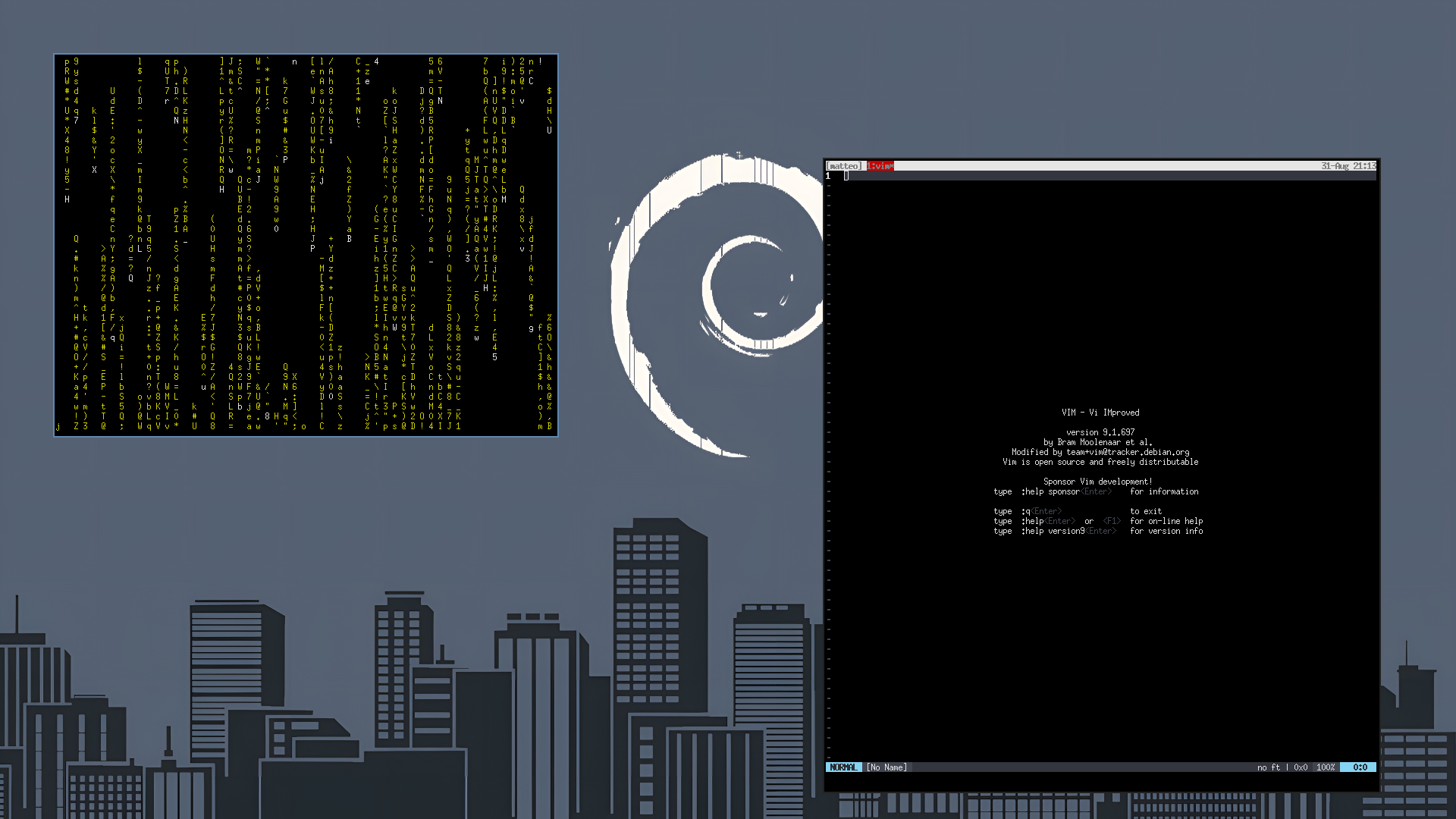
How it works
Under X11, a window manager is not a special, privileged component of the display server: it's a normal client that asks for one extra permission. FloeWM opens a connection to the X server and selects SubstructureRedirectMask on the root window. From that point on, the server no longer carries out other clients' requests to map, move, resize, or restack their windows directly — it hands each request to FloeWM as an event instead, and FloeWM decides what to do with it. Only one client can hold this privilege at a time, which is exactly what "being the window manager" means; FloeWM detects and refuses to start if another one already owns it.
The rest of the program is a single event loop (main()), reacting to whatever the server reports:
| Event | What FloeWM does |
|---|---|
MapRequest |
A client wants to appear. FloeWM gives it a border and maps it as-is — floating means no repositioning. |
ConfigureRequest |
A client wants to move/resize/restack itself. FloeWM grants the request verbatim. |
EnterNotify |
The pointer entered a window. FloeWM focuses it (focus-follows-mouse). |
KeyPress |
One of the three grabbed shortcuts (spawn terminal / close / quit). |
ButtonPress / MotionNotify / ButtonRelease |
Alt+drag move/resize, driven by the pointer grab started on press. |
There is no hidden state machine and no polling: if nothing happens on the X connection, FloeWM is asleep inside XNextEvent(). The only piece of state carried between events is which window is focused and, during a drag, which window/button/geometry started it.
Two X11 mechanics worth knowing about before reading the code:
- Passive grabs (
XGrabKey/XGrabButtoningrab()) are how FloeWM gets global keyboard/mouse shortcuts: it tells the server up front which key/button combinations to redirect to it instead of delivering them straight to the window under the pointer. WM_DELETE_WINDOW(used inclose_window()) is the ICCCM convention for asking a client to close itself gracefully (so it can prompt for unsaved changes, etc.) instead of severing its X connection outright withXKillClient.
Build
Requires a C compiler and the Xlib headers (e.g. libx11-dev / libX11-devel).
make
This produces a floe binary in the project directory.
Other targets:
make clean      # remove the built binary
make install    # install the binary and the xsessions entry, see Autostart below
make uninstall  # remove everything make install put in place
install/uninstall accept DESTDIR, PREFIX (default /usr/local, where the binary goes) and XSESSIONSDIR (default /usr/share/xsessions, where the session entry described in Autostart goes) to override the destination, e.g. make install PREFIX=$HOME/.local.
Configure
There is no config file and no parser — FloeWM follows dwm's approach of config-as-source. All tunables live in the config block at the top of floe.c:
| Define | Meaning |
|---|---|
MOD |
Modifier key for every binding (default: Alt) |
BORDER_WIDTH |
Window border thickness in pixels |
COL_FOCUS |
Border color of the focused window (0xRRGGBB) |
COL_NORMAL |
Border color of every other window |
termcmd |
argv used to spawn a terminal |
Edit the value you want, then make again — there's nothing to reload, just restart FloeWM.
Use
Run floe in place of your usual window manager, or try it inside a nested X server first so it can't disturb your real session:
Xephyr -br -ac -screen 1280x800 :1 &
DISPLAY=:1 ./floe &
DISPLAY=:1 xterm &
See Autostart below for making FloeWM your actual login session.
Keybindings
| Binding | Action |
|---|---|
Alt+Shift+Return |
spawn a terminal |
Alt+Shift+c |
close the focused window |
Alt+Shift+q |
quit FloeWM |
Alt + drag (button 1) |
move the window under the pointer |
Alt + drag (button 3) |
resize the window under the pointer |
Focus follows the mouse: moving the pointer into a window focuses it.
Autostart
How to make FloeWM start automatically depends on how you log in.
With a display manager (LightDM, GDM, SDDM, …)
make install installs floe.desktop into /usr/share/xsessions/ alongside the binary, so most display managers pick it up automatically:
sudo make install
"FloeWM" then shows up as a session choice on the login screen (usually a small menu next to the password field) — select it before logging in.
With startx/xinit (no display manager)
Add FloeWM as the last line of ~/.xinitrc. It must be run with exec, not backgrounded with &, so the X session ends when FloeWM quits rather than immediately:
exec floe
Then start the session as usual:
startx
Inside an existing desktop session
FloeWM doesn't speak EWMH yet (see Known limitations / TODO below), so panels and other components of a full desktop environment that expect a compliant window manager may not fully cooperate with it if you swap it in for their own WM (e.g. in place of xfwm4 under XFCE). Until that lands, the two options above — running FloeWM as its own standalone session — are the ones actually worth using.
Troubleshooting
Shortcuts don't work / I can't spawn a terminal or quit
The near-certain cause is NumLock (or CapsLock/ScrollLock) being on at login: X key grabs match an exact modifier state, so a lock key being active changes that state and every Alt+Shift shortcut silently stops firing. FloeWM already grabs each binding across every combination of lock modifiers (see update_numlockmask()/grab() in floe.c), so a build from source after that fix was added should not have this problem; if it still does, double check you rebuilt and reinstalled (make && sudo make install) after pulling the latest source.
I'm stuck in a FloeWM session with no way out
Switch to a text console with Ctrl+Alt+F2 (try F1 through F6 if that doesn't work) and log in there, then end the FloeWM process from the shell:
pkill -u "$USER" floe
The X session waiting on FloeWM exits along with it, and the display manager should return to the login screen. Switch back to the graphical console (often Ctrl+Alt+F7 or F1) if it doesn't happen automatically.
Known limitations (left out on purpose)
FloeWM optimizes for a small, readable core over feature completeness. Left out deliberately, in rough order of how likely they are to bite:
- Assumes a TrueColor default visual. Border colors are set as raw
0xRRGGBBpixel values, which only works directly on a TrueColor visual. Fine on virtually every modern setup, but not portable to a palette-based visual. - No EWMH (
_NET_*) support. FloeWM doesn't announce itself or a window list via the EWMH properties, so external panels, task bars, and tools likewmctrlwon't see or control it.
TODO
- NumLock/CapsLock-aware key grabs, so shortcuts fire regardless of lock-modifier state.
- Basic EWMH (
_NET_*) support, so panels, task bars, andwmctrlcan see and interact with FloeWM. - Recognize windows that shouldn't be treated like ordinary top-level windows — dialogs/popups via
_NET_WM_WINDOW_TYPE,WM_NORMAL_HINTSsize hints, and override-redirect windows (menus, tooltips) that must be left untouched. - Refactor the core around a small set of internal commands (focus, close, spawn, move, resize, quit) exposed over a socket, bspwm-style, so the WM itself stays a mute core driven by an external client.
- Once the socket/command layer exists, a small Guile client to script configuration and behavior from outside the WM, without embedding an interpreter into the core.